
AI Lip Sync Video
Upload any video and audio file, and let AI generate a realistic lip-synced video. Perfect for video dubbing, content localization, and creative projects.
Upload Video
MP4 · MOV · WebM · Max 200MB
Upload Audio
MP3 · WAV · AAC · Max 50MB
Video preview
Upload a video on the left to see the preview
REALISTIC AI LIP SYNC FOR VIDEO & IMAGE
Designed for creators, marketers, and localization teams who need fast, convincing lip sync without manual editing.
Video lip sync
Upload MP4, MOV, or WebM videos up to 200MB. AI syncs lip movements to any new audio track for seamless dubbing or localization.
Image lip sync
Turn a still portrait photo into a talking video. Upload a JPG, PNG, or WebP image up to 20MB and pair it with any audio to generate natural lip movements.
Upload audio or use TTS
Bring your own MP3, WAV, AAC, or M4A audio, or type text directly and let AI synthesize speech with 40+ selectable voices in English and Chinese.
Adjustable voice speed
Fine-tune voice playback from 0.8× to 2.0× to perfectly match the original video timing when working with translated or re-recorded audio.
Multiple AI models
Choose from Kling Lip Sync, LipSync 1, LipSync 2 Pro for video, or OmniHuman and Wan 2.2 S2V for image — each optimized for different quality and budget needs.
Preview and download
Preview the lip-synced result directly in your browser and download the finished video ready for social media, production, or distribution.
HOW TO USE AI LIP SYNC
Four simple steps to generate a realistic lip-synced video or talking portrait — no editing skills required.
Select Video Lip Sync to sync a talking-head video, or Image Lip Sync to animate a portrait photo. Then pick an AI model based on your quality and budget needs.
Add the source video (MP4, MOV, WebM — up to 200MB) or portrait image (JPG, PNG, WebP — up to 20MB) containing the person whose lips you want to sync.
Upload an audio file (MP3, WAV, AAC, M4A — up to 50MB) as the new speech, or switch to Text to Speech mode, type your script, select a voice, and let AI generate the audio for you.
Submit the task and wait for AI processing. Preview the lip-synced result in your browser, then download the finished video ready for social media or production.
For the most natural result, use a front-facing video or portrait photo where the face is clearly visible, and audio with minimal background noise.
VIDEO LIP SYNC
FOR REALISTIC DUBBING
Upload any talking-head video and match lip movements to translated voiceovers, new dialogue, or re-recorded audio for a natural result.
IMAGE TO LIP SYNC VIDEO
Bring any portrait to life
Turn a still photo into a talking video by uploading a portrait image and an audio file. AI generates natural lip movements and facial expressions.
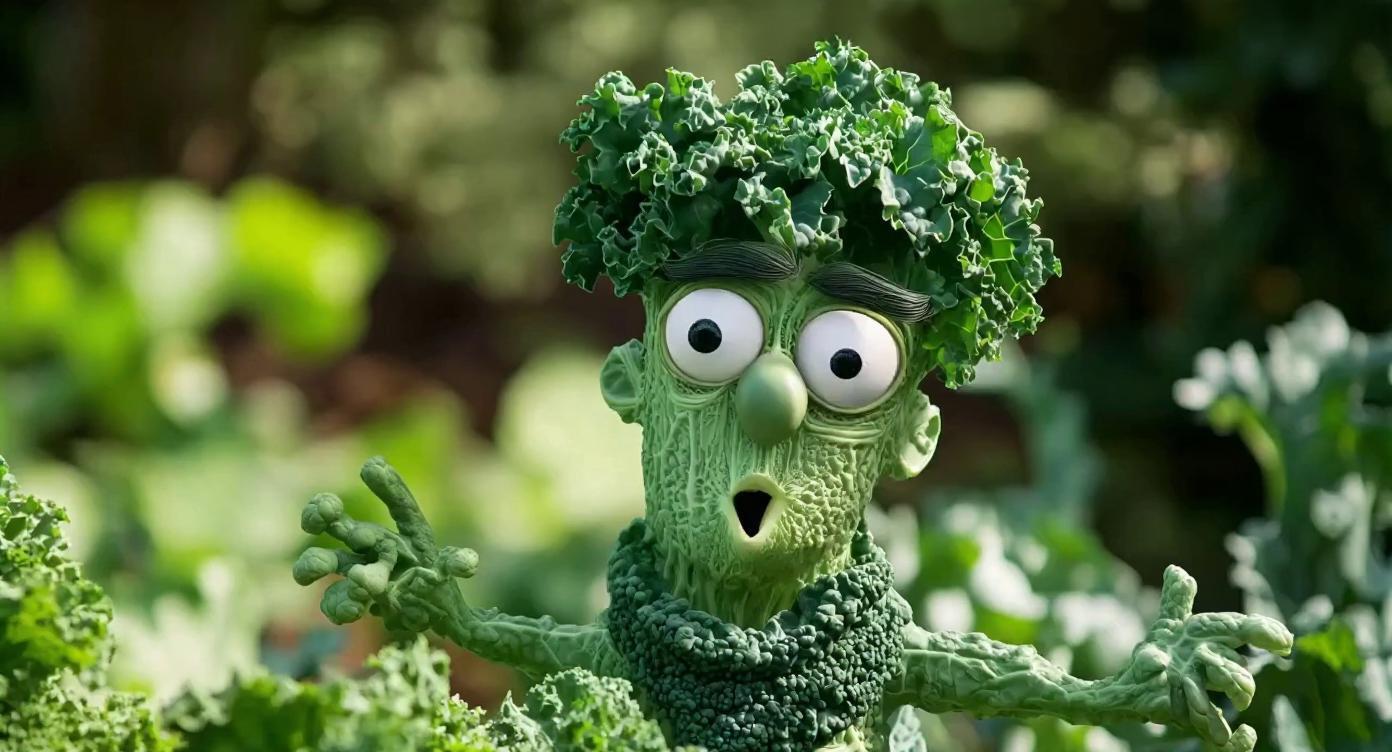
PROMPT + IMAGE LIP SYNC
Full creative control over output
Describe the motion you want and combine it with a portrait photo and audio. Use text prompts to guide facial expressions, head movement, and style — perfect for lip singing performances and creative storytelling.
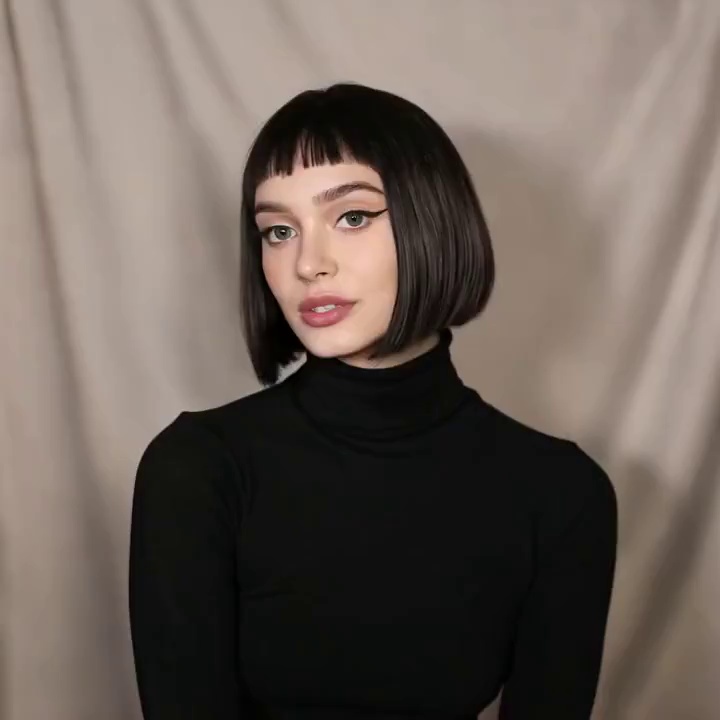
woman singing
ADJUSTABLE VOICE SPEED
Control the pace of your lip sync
Kling AI lip sync lets you fine-tune voice speed from 0.8× to 2.0× — slow down for clarity or speed up for energetic delivery. Perfect for matching translated audio to original video timing.
Speed up for energetic delivery
AI VIDEO LIP SYNC FAQ
Common questions about AI-powered video lip sync.
For the most natural results, use a front-facing video with clear mouth visibility and audio with minimal background noise.
LIP SYNC YOUR NEXT VIDEO IN MINUTES
Upload a video and audio, let AI do the work, and download a realistic lip-synced result without leaving your browser.