
SKETCH TO VIDEO AI GENERATOR
Upload a storyboard frame, concept sketch, or line-art drawing and turn it into a polished cinematic clip. Seedance 2 is built for filmmakers and creative teams who need controllable motion, stronger shot continuity, and better visual fidelity than generic image-to-video tools.
MADE FOR STORYBOARD-TO-VIDEO WORKFLOWS
This page targets the real sketch-to-video use case: preserving composition from rough frames while adding believable motion, transitions, and production-ready detail.
Preserve composition
Keep camera framing, blocking, and subject placement closer to the original storyboard or concept frame.
Guide motion with intent
Turn a static sketch into a moving shot while keeping action readable instead of random.
Use start and end frames
Control opening and ending beats when you need cleaner transitions between key storyboard moments.
Pitch scenes faster
Preview storyboard motion for treatments, client pitches, and internal creative reviews.
Upgrade rough line art
Transform line art, concept sketches, and grayscale drawings into richer moving visuals without rebuilding the scene.
Aim for cinematic continuity
Seedance 2 is better suited to consecutive shots and visual storytelling than novelty sketch animation tools.
HOW TO USE SKETCH TO VIDEO
A practical three-step workflow for turning a storyboard frame, concept sketch, or line drawing into a motion test that is ready for review.
Add a storyboard panel, concept sketch, or line-art frame with clear composition and subject placement.
Use the prompt to define movement, pacing, atmosphere, and shot direction instead of redrawing the whole idea.
Review the first output, then adjust prompt, frames, or references until the motion reads like the shot you want.
Start with one clean frame first. Once motion direction feels right, expand into frame-to-frame control or reference media.
STORYBOARD TO VIDEO
FOR PITCHES AND PREVIS
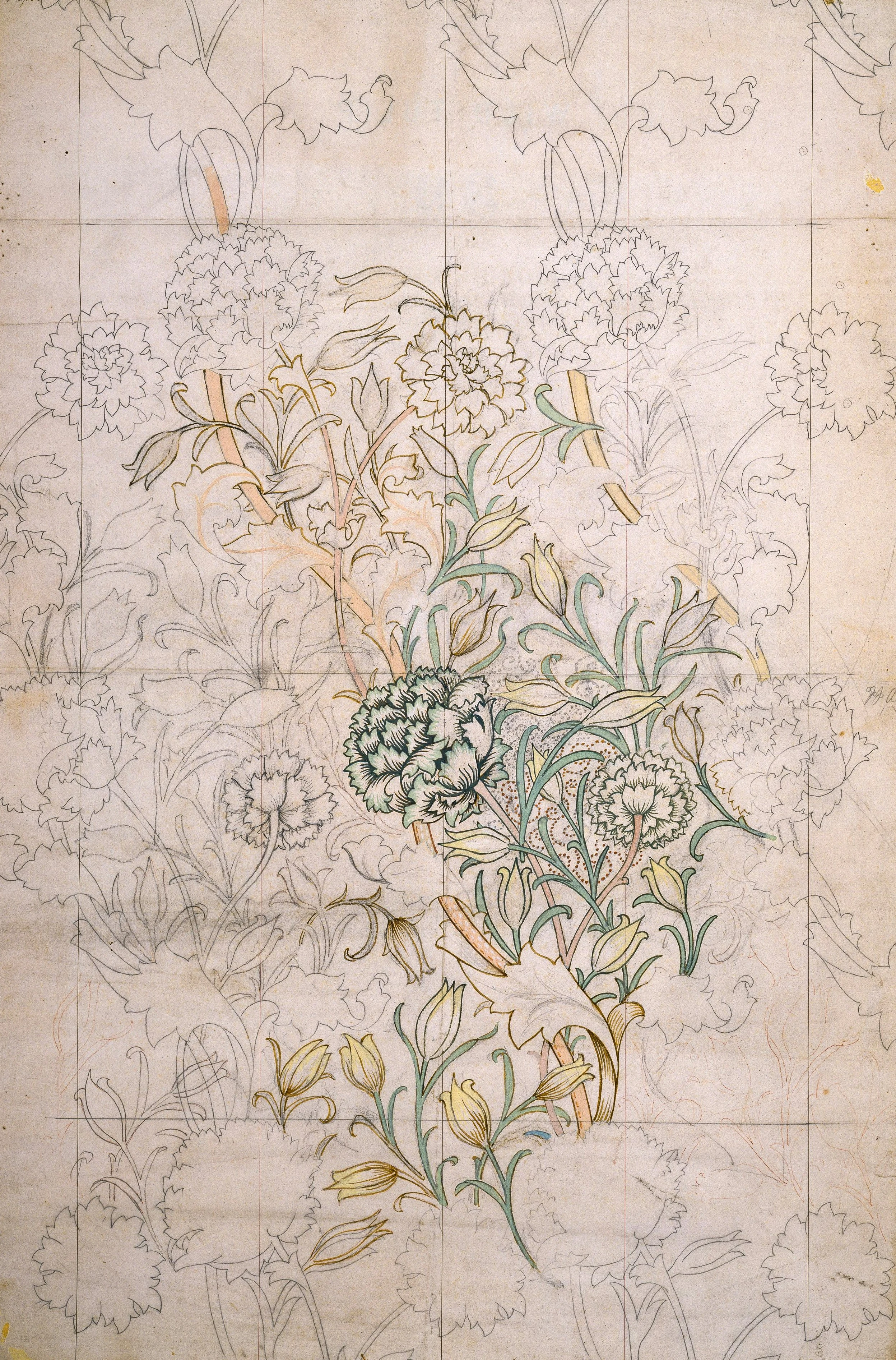
Start from a storyboard frame to test camera motion, scene energy, and narrative pacing before moving into full production. This is the highest-intent sketch to video workflow for creative teams.
CONTROL SHOT FLOW
Start and end frame sketch animation
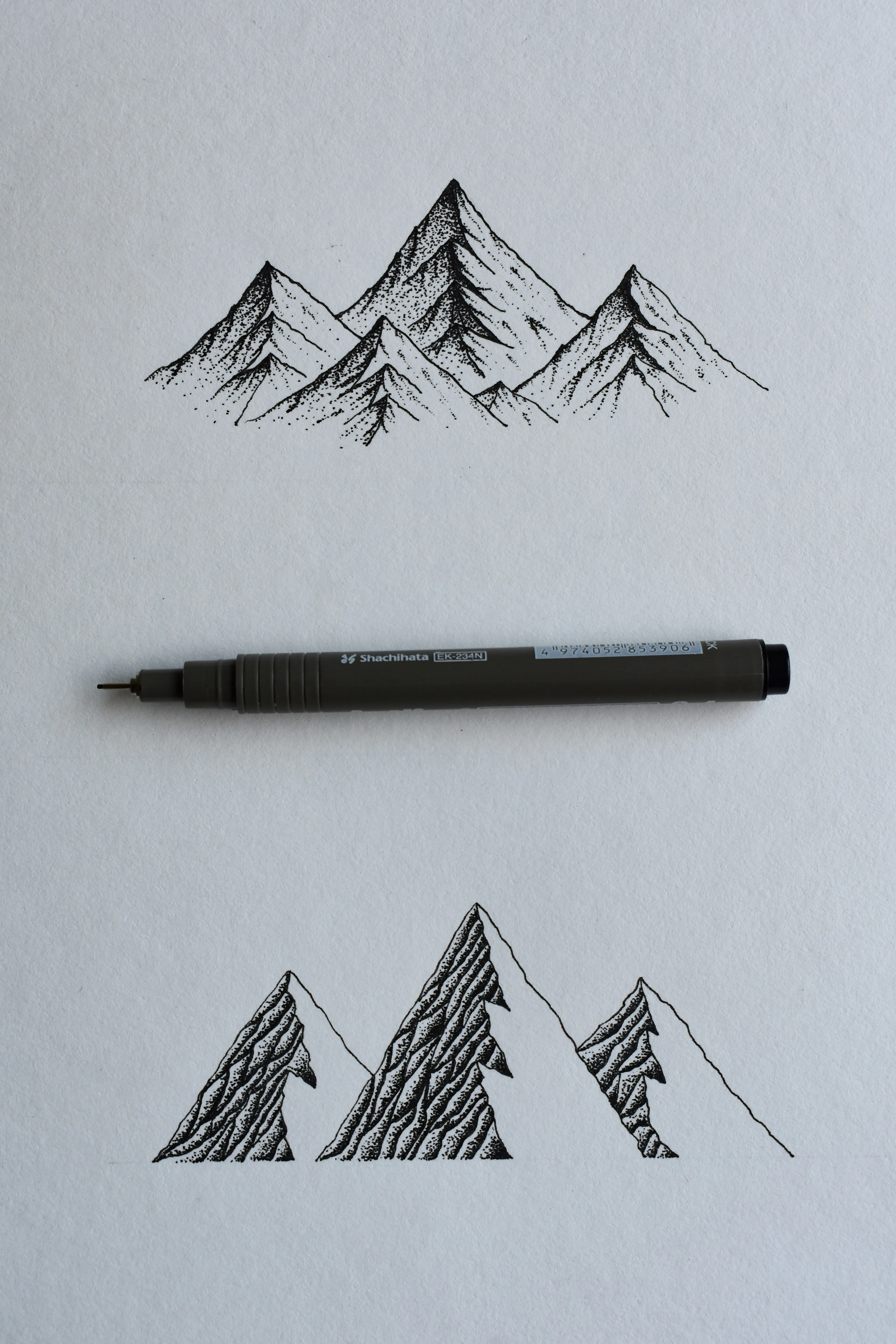
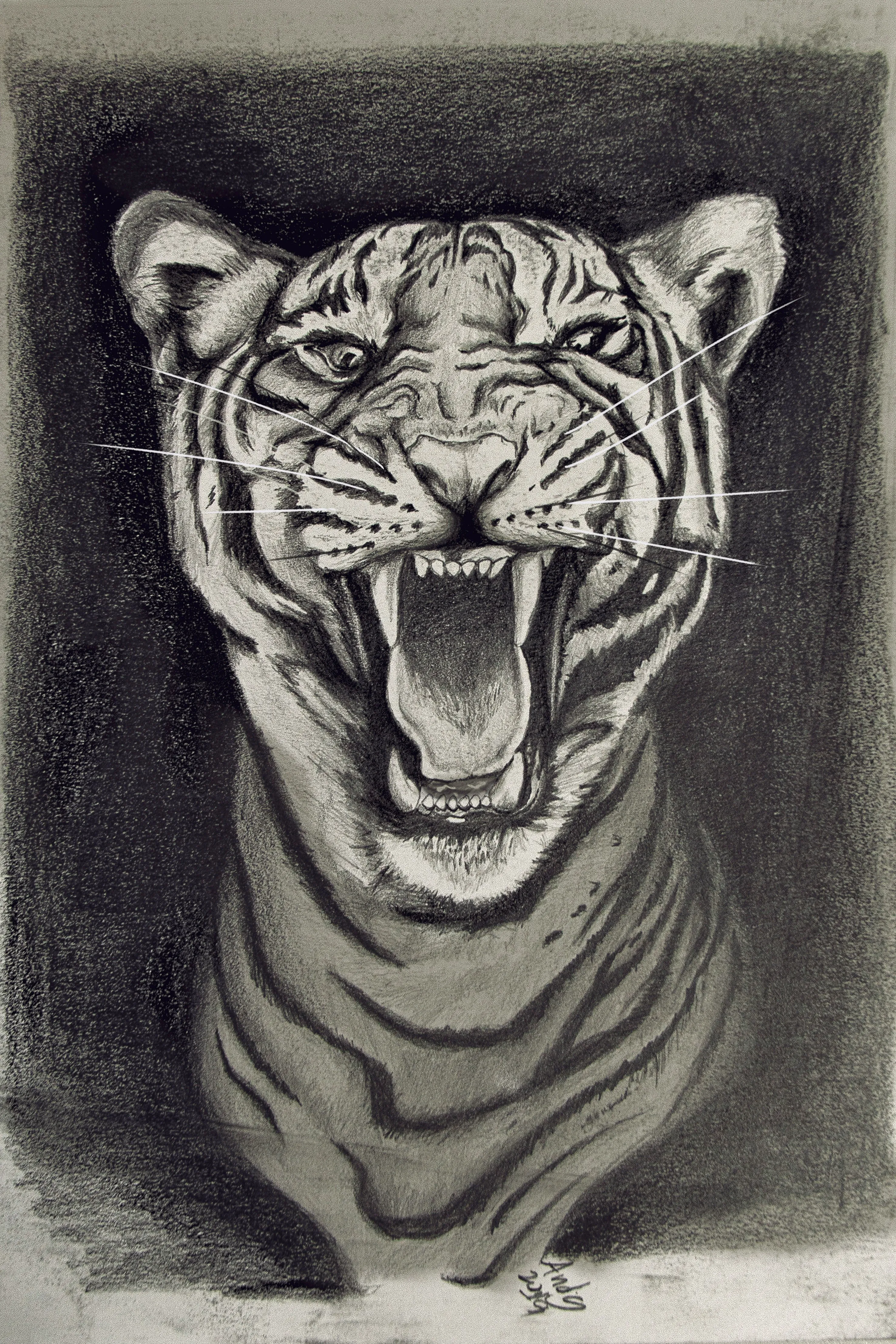
Use both opening and ending frames when your storyboard already defines the beginning and final beat. This is the clearest way to improve continuity for sketch-to-video sequences.
LINE ART TO VIDEO
WITHOUT LOSING THE SCENE
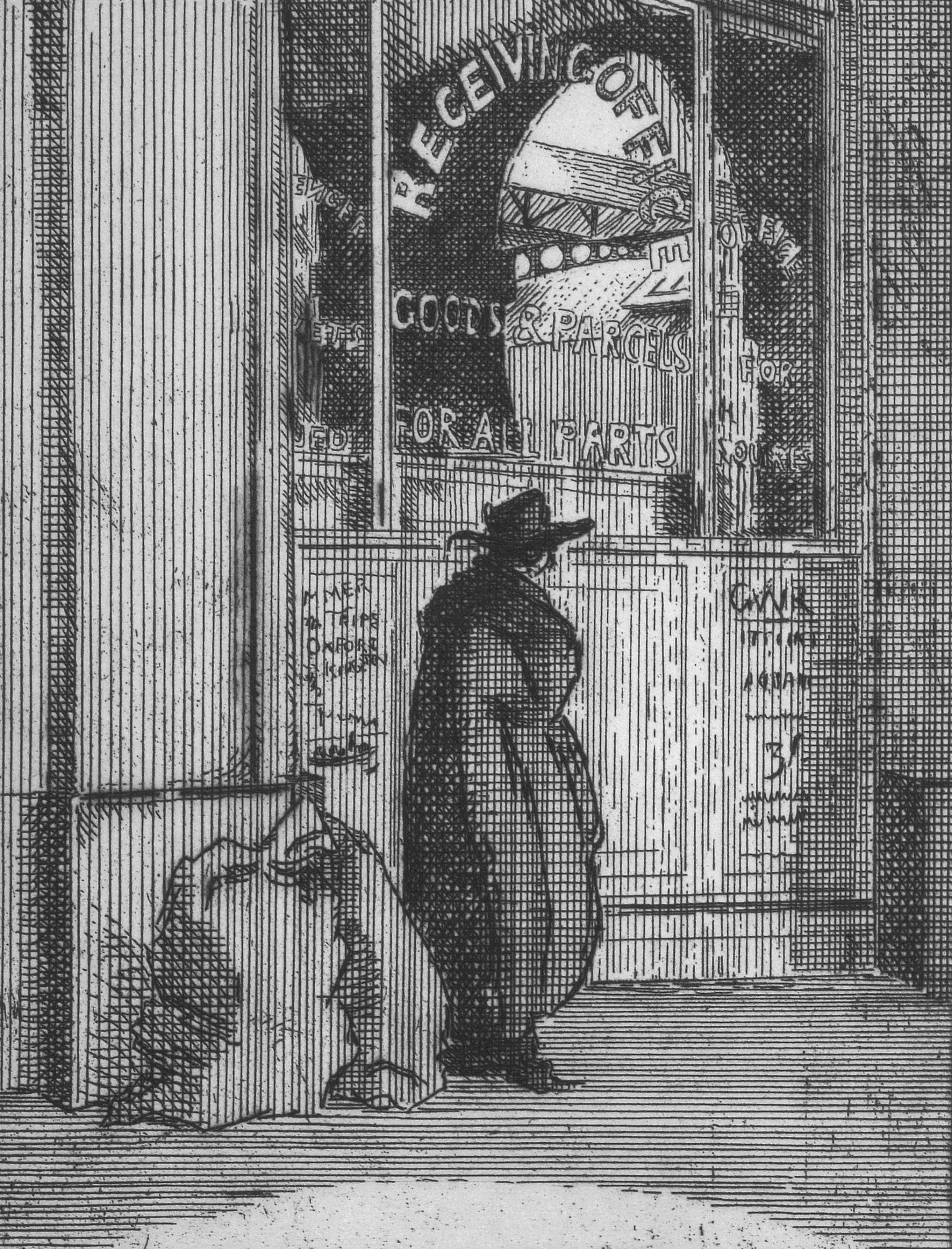
Upload rough line art to keep the structure of the original drawing while adding motion, atmosphere, and a more finished look for concept validation.
SKETCH INPUT GALLERY
Browse real sketch inputs that work well with Seedance 2 — from pencil portraits and line art to concept frames and storyboard panels. Click any example to try it in the generator.


SKETCH TO VIDEO VS GENERIC IMAGE-TO-VIDEO TOOLS
Search intent for sketch to video is narrower than normal image animation. The page should explain why Seedance 2 fits storyboard and concept-frame workflows better.
Storyboard and concept-frame fit
Start/end frame control
Pitch-ready cinematic output
Line-art and rough sketch support
Built for creative-team workflows
SKETCH TO VIDEO FAQ
The page needs crawlable answers for the questions people actually search before trying a sketch-to-video tool.
Sketch to video AI turns a hand-drawn frame, storyboard panel, concept sketch, or line-art illustration into a moving video clip. For Seedance 2, the strongest use case is storyboard and concept-frame motion preview.
New users can sign in and receive 10 free credits to try the product.
Yes. A sketch-to-video workflow usually starts from rough visual planning assets, so users care more about preserving composition, guiding motion, and keeping the shot readable than they do about animating a polished photo.
Clean storyboard panels, concept frames, grayscale line art, and sketches with clear subjects and camera intent work best. If the opening and ending shot are already known, use start and end frames for better continuity.
Yes. That is the primary positioning for this page. It is suited to previsualization, treatment development, internal review, and pitching motion from still frames.
Describe camera movement, subject motion, timing, atmosphere, and the intended cinematic style. Treat the sketch as the visual anchor and the prompt as the motion and finishing-direction layer.
Need a faster route from rough frames to motion tests? Start with a single storyboard panel, then iterate into start/end frame control once the shot direction is clear.
TURN YOUR NEXT SKETCH INTO A MOVING SHOT
Use Seedance 2 to convert storyboard frames, concept sketches, and line art into pitch-ready video experiments without waiting for a full production pipeline.