GPT IMAGE 2
GPT Image 2 is OpenAI's most advanced image generation model — delivering near-perfect text rendering, photorealistic output, UI mockup generation, and precise multi-part prompt following.

Generate Your Image
Enter a detailed prompt and optionally upload reference images to create stunning visuals with GPT Image 2.
Use a specific subject, scene, and style for better results.
Need more generations, image editing ?
Generated Image
Your masterpiece awaits — describe what you want to create
What GPT Image 2 Can Do
GPT Image 2 pushes the boundaries of AI image generation with capabilities that solve real production bottlenecks for designers, marketers, and developers.
Near-Perfect Text Rendering
Generate paragraphs, headlines, and UI labels with perfect spelling, punctuation, and consistent typography — finally readable text inside AI-generated visuals.
Hard World-Knowledge Realism
Produce anatomical charts, geographic maps, and technical illustrations with real-world precision — no more distorted limbs or invented geography.
Production-Ready 4K Output
Generate 4096×4096 images natively with razor-sharp, print-ready detail for posters, advertisements, and product catalogs.
Extreme Instruction Following
Place multiple subjects exactly where you specify, assign individual outfits, and control composition precisely — complex prompts rendered faithfully every time.
Seamless Pixel-Level Editing
Edit specific regions while preserving original lighting, texture, and artistic style — the changes blend invisibly into the surrounding image.
See What GPT Image 2 Creates
From brand marketing to product design, GPT Image 2 handles visual production tasks that previously required expert designers and expensive tools.
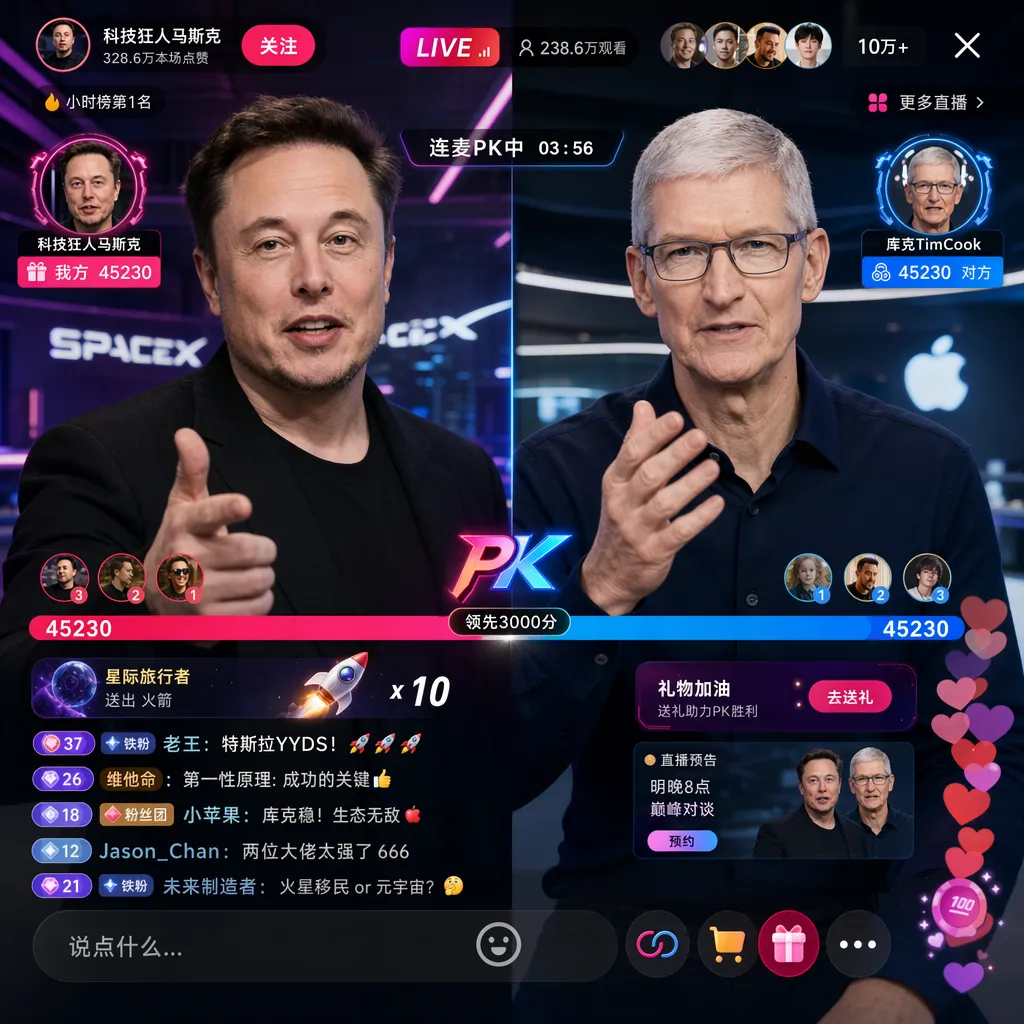
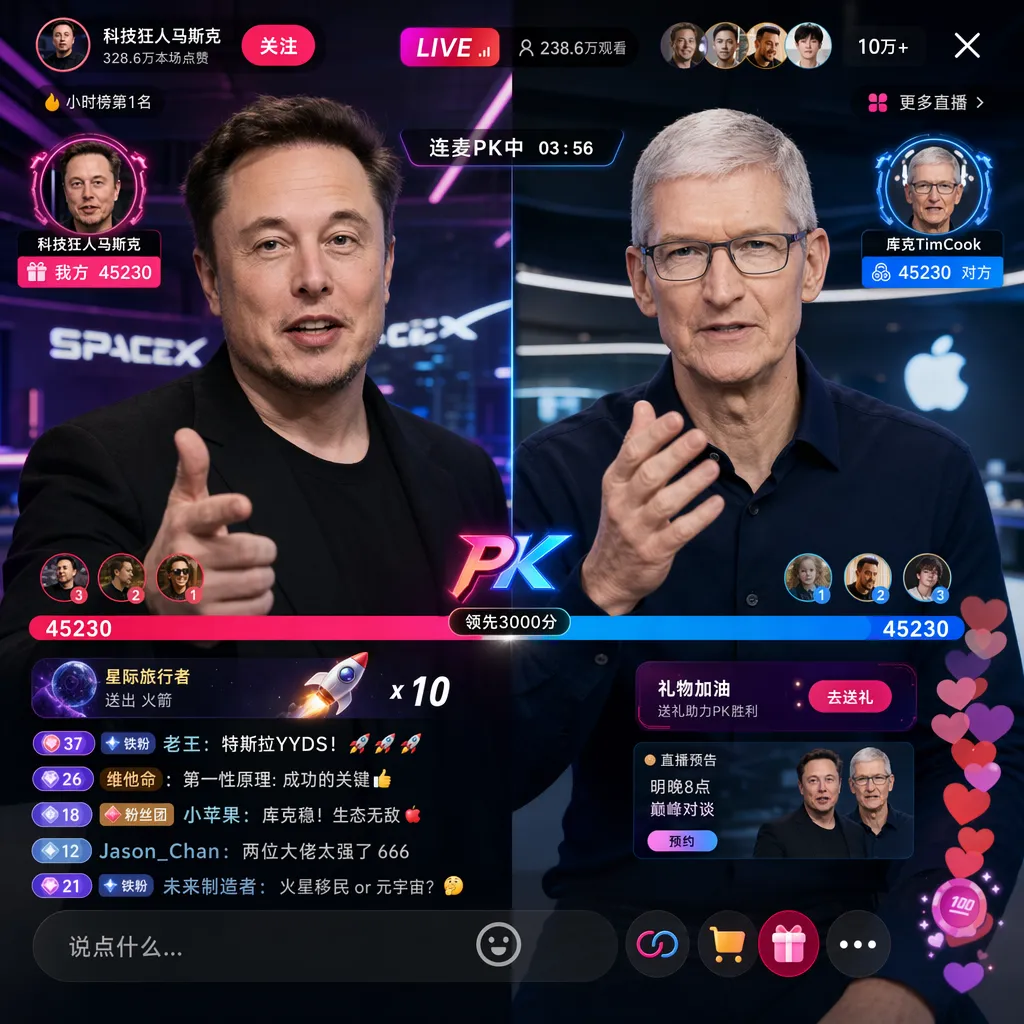
Near-Perfect Text Inside Images
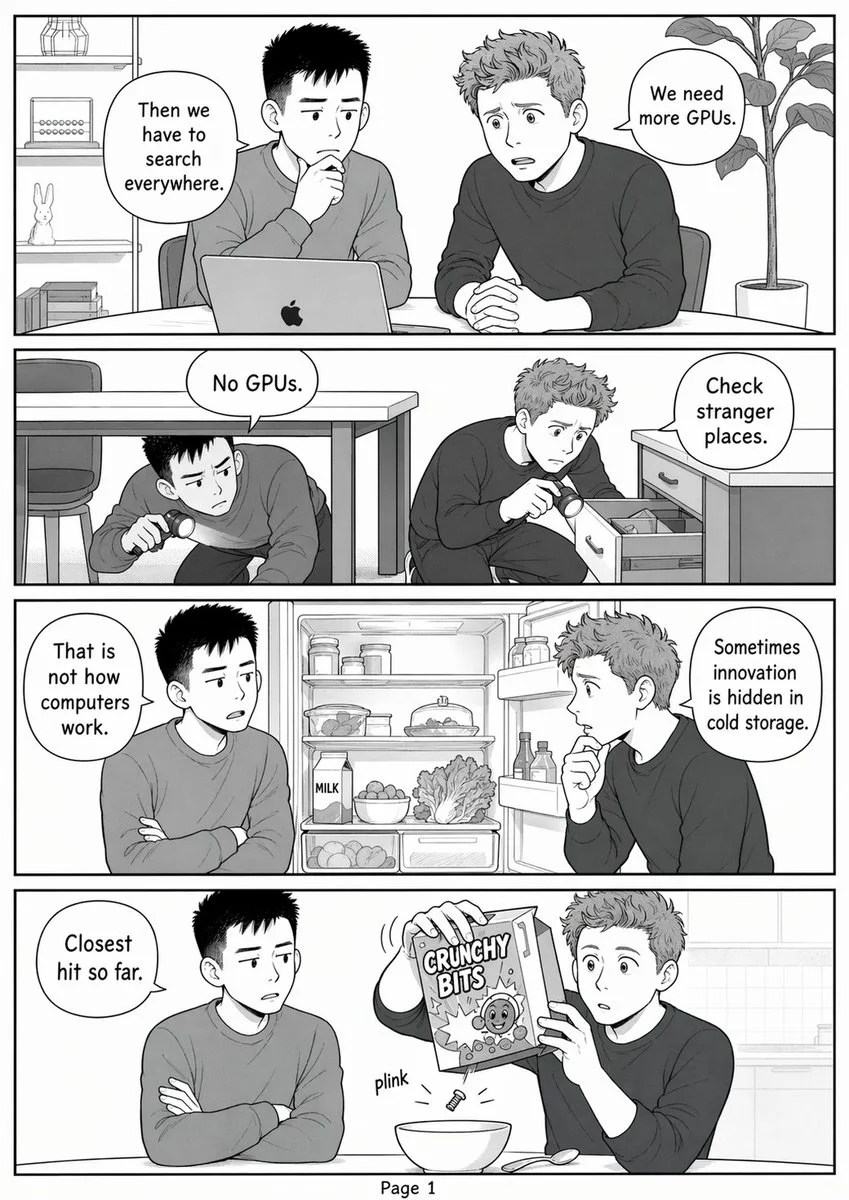
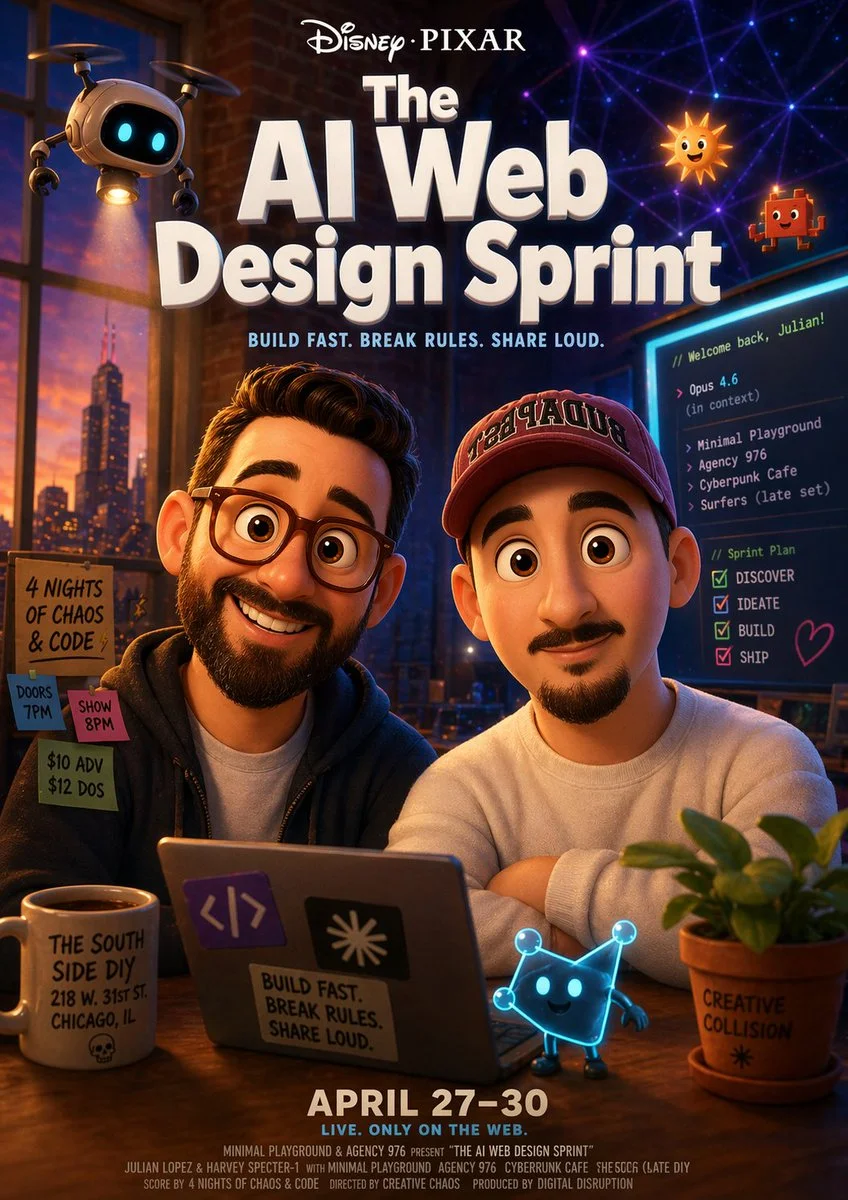
GPT Image 2 renders multi-word labels, signs, banners, and UI copy with consistent font styling and accurate spelling. This is the breakthrough that previous AI image models couldn't achieve — making it viable for real marketing and design work.
“Generate a Douyin livestream room, featuring Elon Musk and Tim Cook in a live-streaming PK battle”
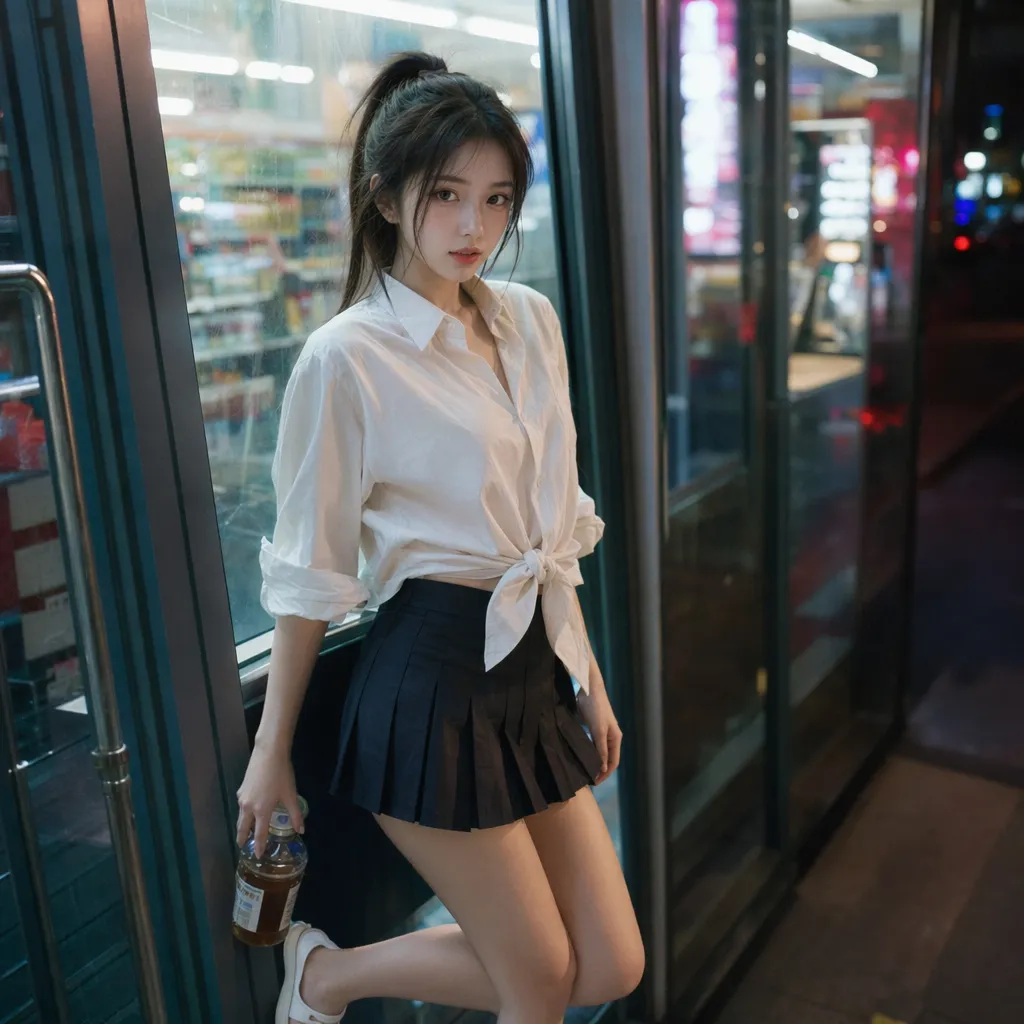
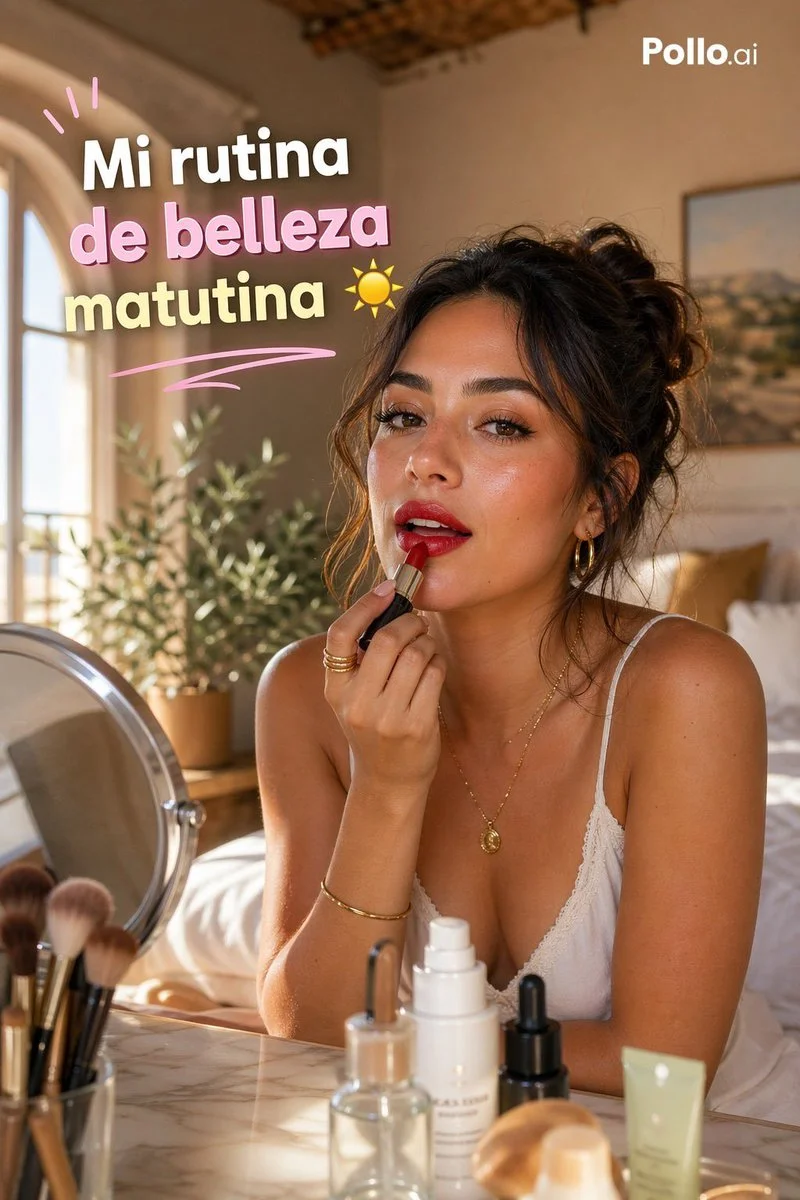
GPT Image 2 Examples
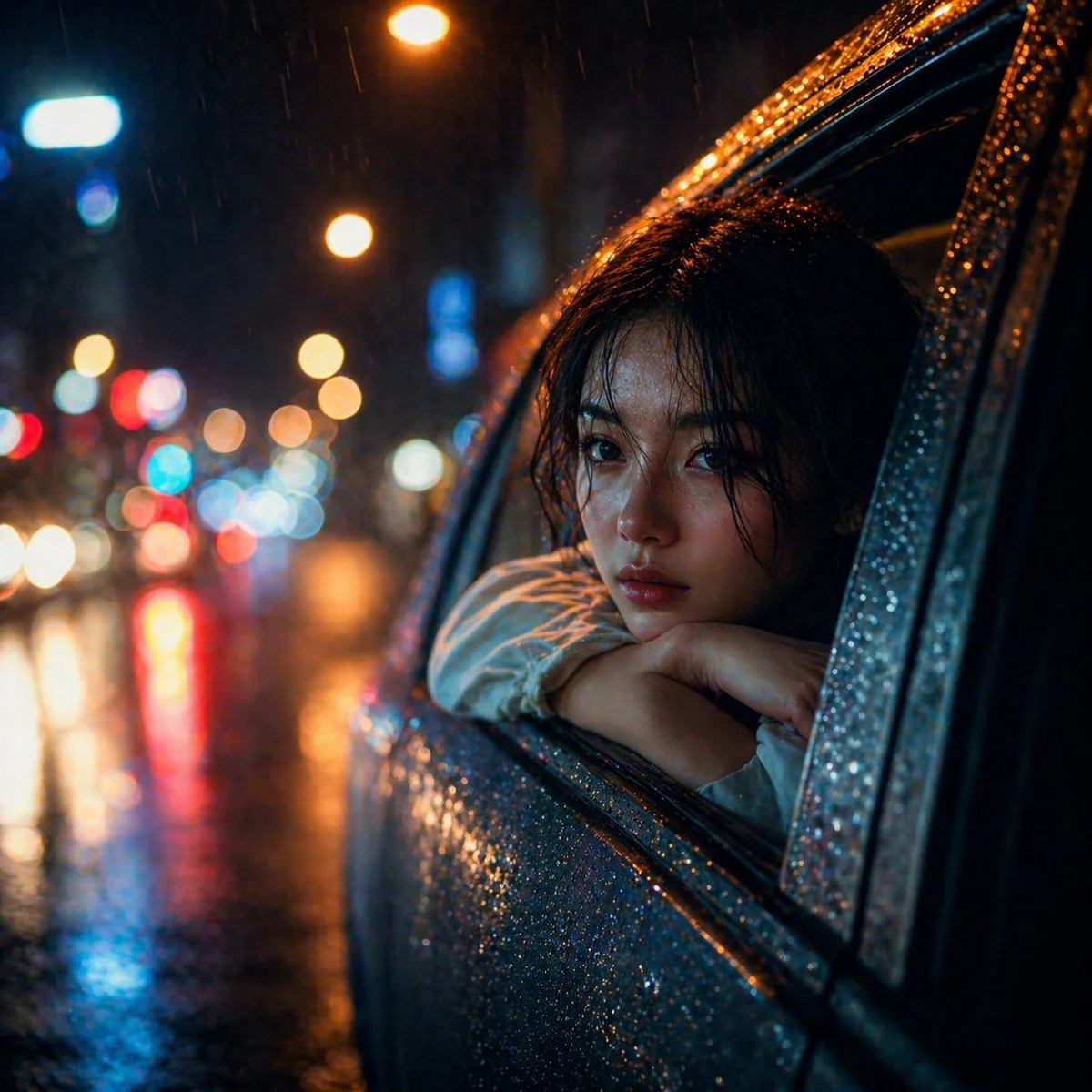
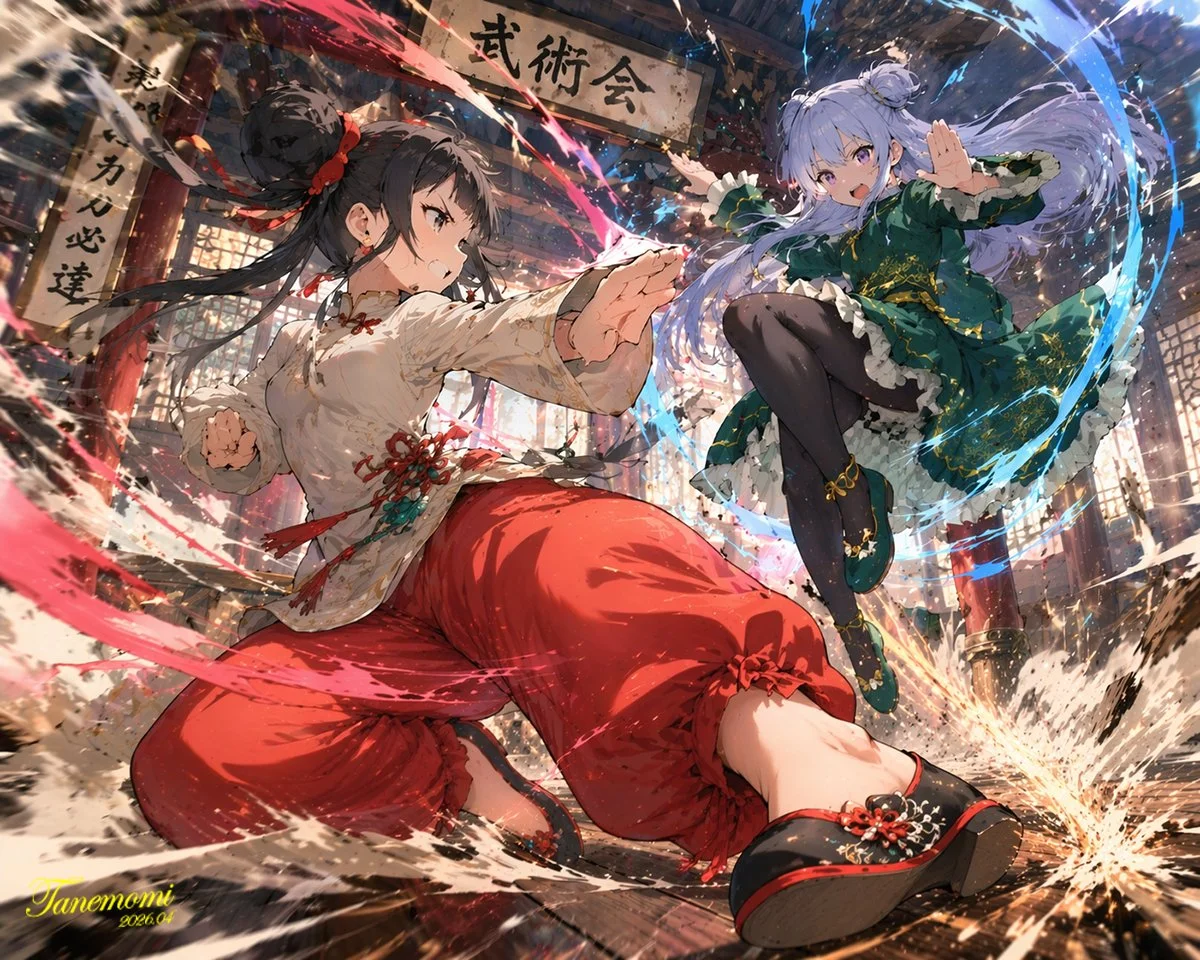
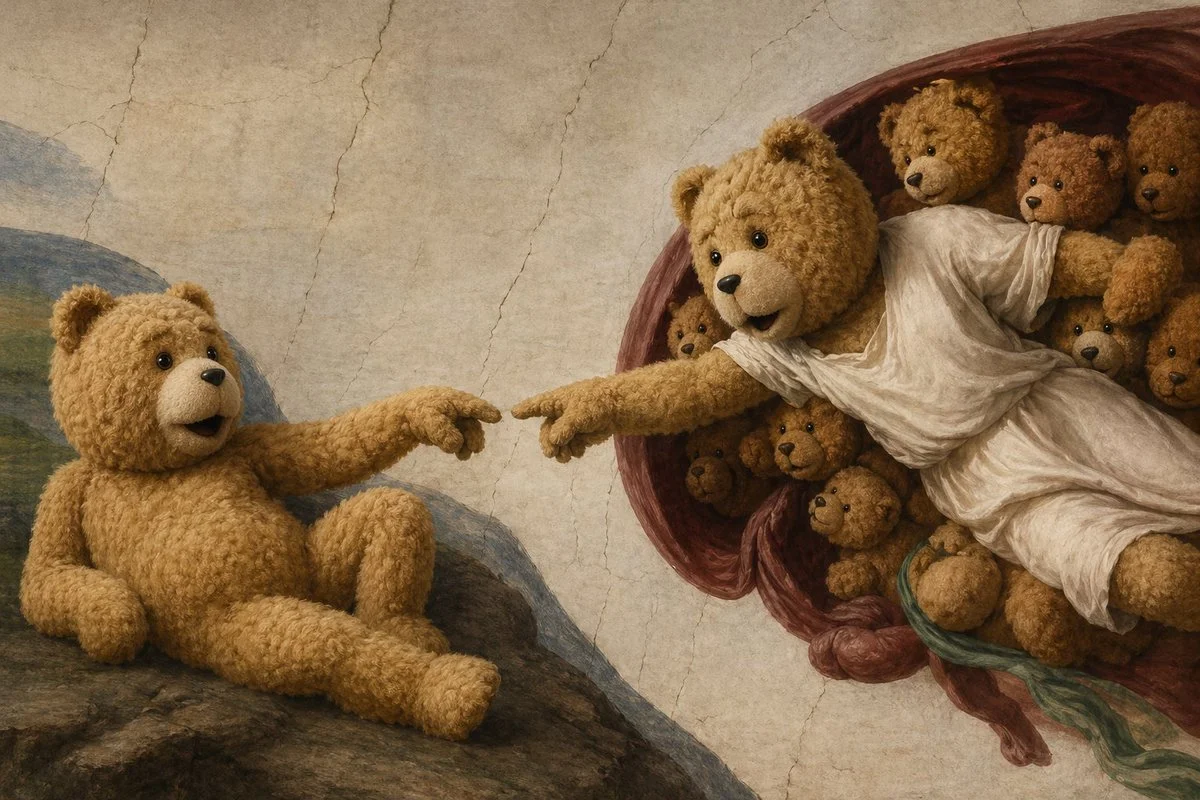
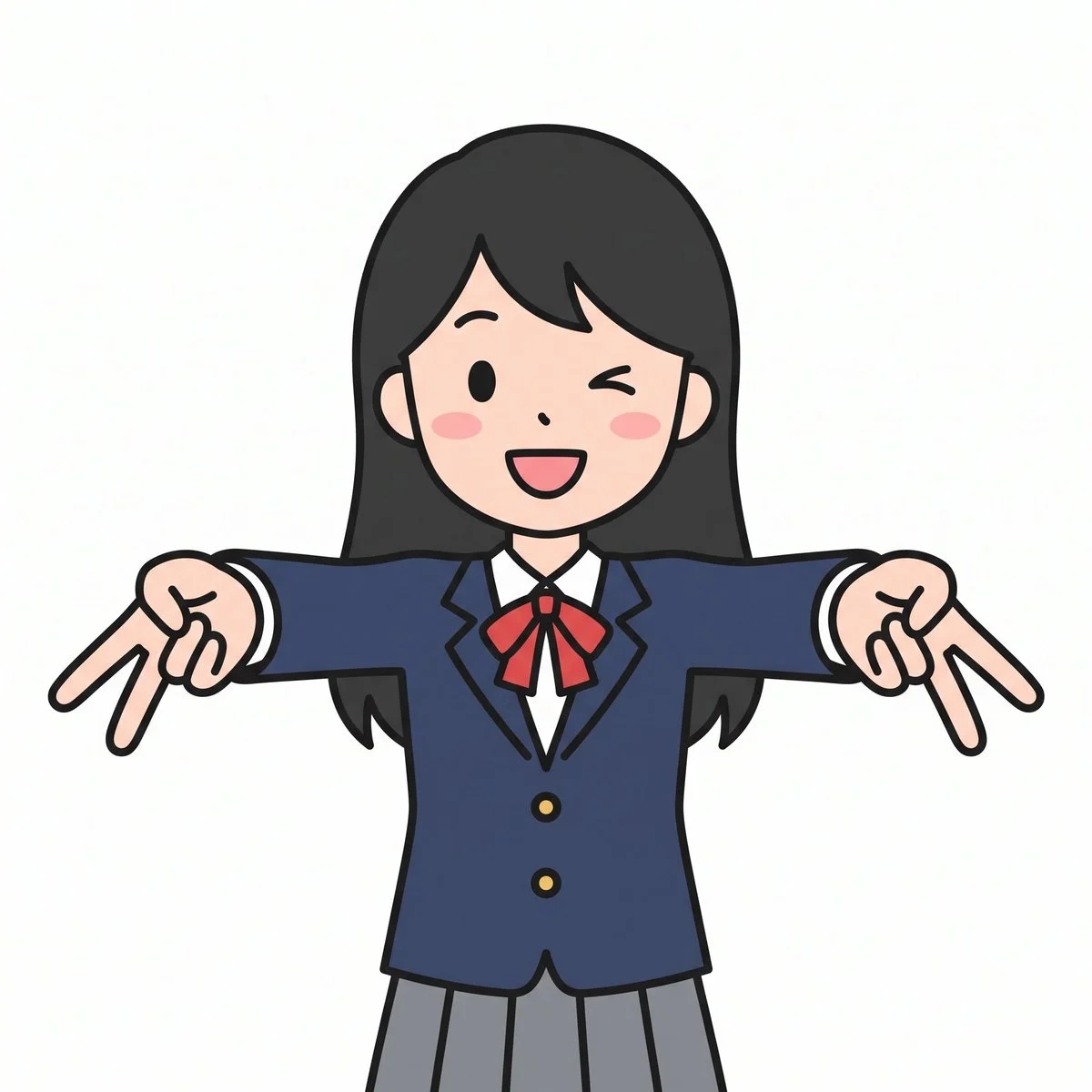
Real outputs generated with GPT Image 2. Click any image to use its prompt in the generator above.
GPT Image 2 vs The Competition
Real benchmark scores and head-to-head capability comparisons against the most popular AI image models. See why GPT Image 2 holds the #1 spot on Arena.ai.
Arena.ai Text-to-Image Score
Long Text & Multi-line Layouts
Multilingual Text (CJK + English)
Multi-Image Consistency
Anatomical Accuracy
Photorealism & Lighting
GPT Image 2 Saying on Reddit
Real discussions from the community about GPT Image 2 and its capabilities.
GPT Image 2 YouTube Reviews & Tutorials
See how creators are using GPT Image 2 to generate stunning visuals.
How to Use GPT Image 2
Generate production-ready images in three simple steps. No design software required.
Select Text to Image for new creations or Image to Image to transform existing references. Describe your image with as much detail as possible.
Pick the aspect ratio that fits your use case. For image editing, upload up to 16 reference images as URL links or direct uploads.
Click Generate and wait ~30–60 seconds. Preview the result in full resolution and download directly to your device.
GPT Image 2 works best with detailed, descriptive prompts. Include style, lighting, composition, and subject details for the best results.
Frequently Asked Questions
Everything you need to know about GPT Image 2 and how to get the best results.
Have more questions? View Pricing or contact our support team.
Start Generating with GPT Image 2
Create photorealistic images, design mockups, and visual content at scale. Try GPT Image 2 now — no design skills required.